
Spectra and why I would recommend it so strongly
Spectra as a plugin is one of the best I have used so far, with the way it expands upon WordPress’s library of block tools that it provides a user. It allows for further and more advanced customization of a page, such as providing a vast amount of layout options to choose from, different ways of displaying external posts within a page (Via carousel and Query Loop), and unique methods of displaying visual media such as images and videos.
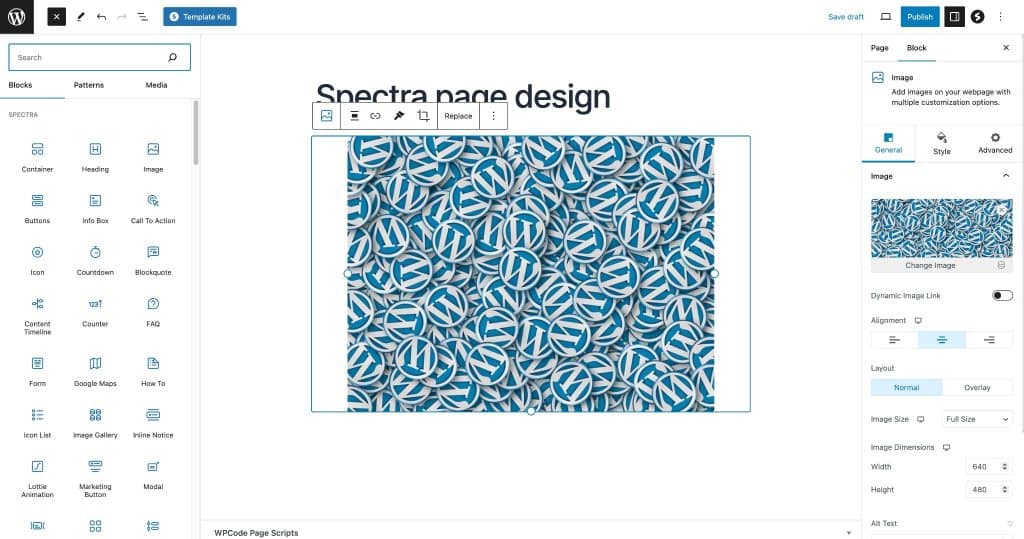
What Spectra allows you to do.
Image Gallery
This is an image gallery that is possible with Spectra installed, allowing for a easy to navigate layout for visual media like images. The Image Gallery is adjustable in a variety of different ways, such as image resolution, how many columns you want there to be, captions, different filters such as grayscale, box shadows (Which I added), etc.




Query Loop
The Query Loop is another feature that allows for an easily manageable form of displaying external content, allowing for quicker navigation. In this instance, Query Loops display other posts made within the website while allowing users to adjust what they want to be displayed or which layout they prefer. I personally find this feature to be helpful as it provides quicker and more user friendly navigation, here in this example I chose to only display two posts so that this post isn’t too bloated.
Post Carousel
The post carousel is a feature provided by Spectra that is one of my favorites, as I think it allows for more unique presentation. It will also display posts or pages similar to a query loop, but instead of static display it will cycle between different posts/pages which can be adjusted to the users will. The main boxes that contain the posts can have their colors adjusted, here I colored them a darker black so they stand out. With all the different methods of presentation and customization that this feature provides, I would say to me at least it is one of the most useful features when it comes to making this website look unique.

My experience using the Spectra plugin
Spectra and why I would recommend it so strongly Spectra as a plugin is one…
New Plugins I’ve installed
Plugin 1 – Spectra The first plugin I chose for this weeks assignment was Spectra,…

Plugins I installed
Each of my plugins Here is a list of all the plugins I installed: Imagify,…
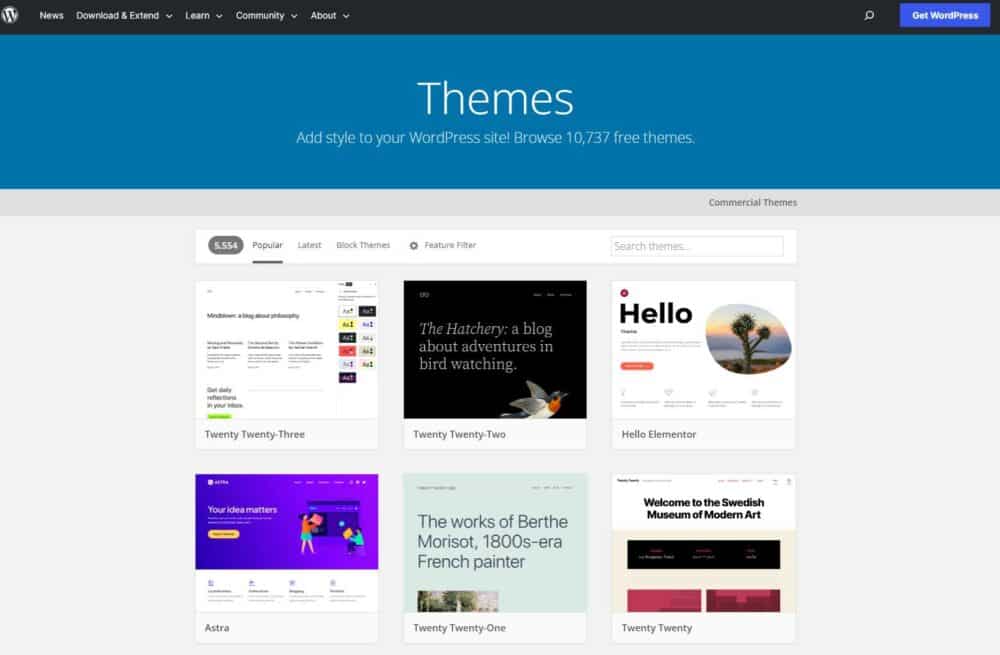
Why themes are so important
What role themes play. In WordPress, themes are installable files that determine and change the…
WordPress Vs. HTML/CSS
What differentiates WordPress from HTML/CSS WordPress may seem like it functions nearly the same as…

Why I would recommend WordPress
Why I would recommend WordPress so strongly If someone were to ask me what software…
Thoughts about Spectra
In my honest opinion, I think Spectra is a key plugin to have due to it offering:
- A myriad of ways to customize and present your website.
- Different and unique layouts to choose from.
- Options for further supporting quick navigation of your website, such as post carousels.
- Making web development much easier and simple to understand.
- An easy method of making your website look even more professional while not demanding too much technical skill.
It’s because of all these reasons that I strongly recommend Spectra to anyone who wants to start out with WordPress development, due to how beginner friendly it is and how amazing it can make a website look when mastered which is absolutely possible in due time.